
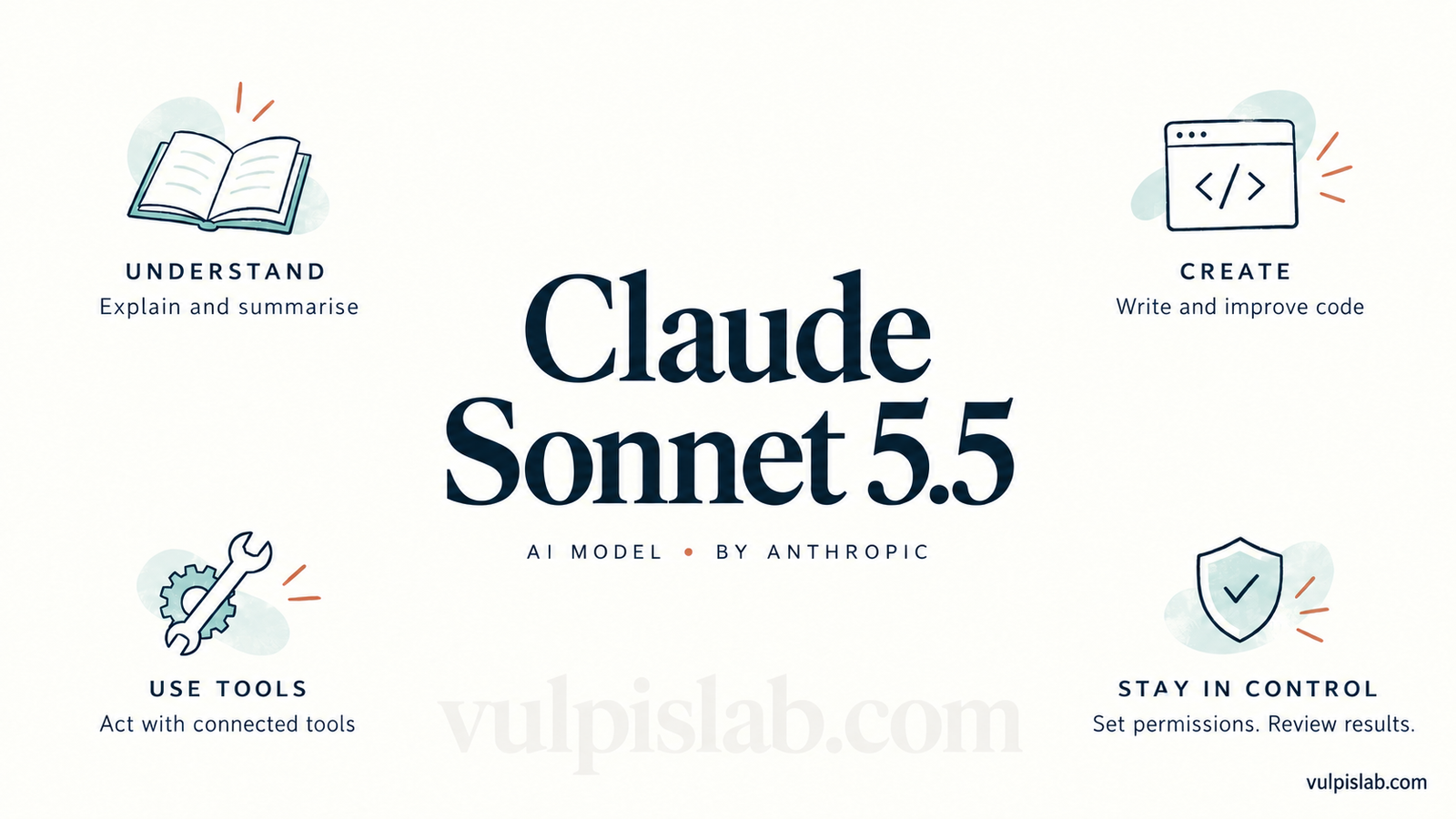
Claude Sonnet 5.5 Explained: What It Does and How to Use It
Claude Sonnet 5.5 is an AI model from Anthropic. It can help you understand information, write content, work with code and complete tasks through connected tools. Anthropic released it on September 28, 2026.
For example, imagine you have a long report and want to know what matters. You could ask Claude to explain the main points, compare the options and draft a short summary.
With the right tools and permissions, an application powered by Claude can also take actions, such as editing a file.
That distinction matters throughout this guide: the model processes information, while the application around it determines which tools, memory and actions are available.
Model / Agent:
Claude Sonnet 5.5
It is an AI model that can power a chat assistant or an AI agent.
A chat assistant responds to your requests. An AI agent can also use tools and work through several steps towards a goal.
Provider:
Anthropic, the company behind Claude.
Family:
Claude.
Claude is the family name. Sonnet identifies the model line, and 5.5 identifies its version.
Tier:
Sonnet.
Anthropic positions Sonnet 5.5 as a balance of speed and capability for everyday work. Within the same family, Opus is aimed at more demanding tasks.
Version:
Sonnet 5.5.
Its API model identifier is claude-sonnet-5-5. This is the name a developer uses when selecting the model in an application.
🆕 Agent type:
Claude Sonnet 5.5 can support several types of agents, depending on the tools connected to it:
- Research: Find information and prepare summaries.
- Coding: Write, review and fix code.
- Computer Use: Interact with a screen through supported tools.
- Workflow: Carry out a sequence of tasks.
- Data: Work with information from files or connected systems.
- RAG: Find relevant information in a selected collection of documents before answering.
- Multi-Agent: Work with other agents that handle separate parts of a task.
These are possible setups, rather than features that are automatically active in every Claude conversation. Anthropic provides tools for building agents, including computer interaction and delegation to specialist agents.
Best suited for:
Tasks with a clear goal and an output you can check.
Examples include simplifying a document, preparing a first draft, comparing information or making a defined code change.
A request such as “Summarise this report in five points and highlight missing information” gives Claude a clearer target than “Analyse everything.”
Key capabilities:
Claude Sonnet 5.5 accepts text and images and produces text responses. Its documented context window is one million tokens, with a standard maximum output of 128,000 tokens.
A token is a small piece of text that a model processes. It may be a word, part of a word or punctuation.
The context window is the amount of information the model can work with in one request. Think of it as desk space: a larger desk can hold more material at once.
A large context window does not guarantee that every detail will be understood correctly.
In everyday use, you might ask Claude to:
- Explain something in simpler language.
- Turn notes into a clear document.
- Compare two proposals.
- Help understand or improve code.
- Describe information shown in an image.
Key limitations:
Claude can misunderstand instructions, overlook details or give an answer that sounds convincing but is wrong.
Its response also depends on the information available. If a document leaves out a price, date or condition, Claude should identify the gap instead of filling it with a guess.
For important work, ask it to show supporting sources and clearly label uncertainty.
Business use cases:
Consider an online shop that receives repeated questions about delivery and returns.
A possible Claude-powered workflow could read a customer’s question, find the relevant store policy and draft a reply. A person could then review the message before sending it.
Other possible uses include preparing meeting summaries, grouping customer feedback, drafting internal guides and explaining changes in a report.
These are illustrative applications. Each needs testing with the organisation’s own information and rules.
🆕 Level of autonomy:
The level depends on the application and its permissions.
The common levels are:
- Advisory: Claude suggests what to do.
- Human-assisted: Claude completes part of the work while a person guides it.
- Semi-autonomous: Claude handles approved steps and pauses at defined checkpoints.
- Autonomous: Claude completes a bounded task without approval at every step.
For the shop example, drafting a reply for review is human-assisted. Automatically answering a narrow set of approved questions would involve greater autonomy.
Choosing Sonnet 5.5 alone does not set this level.
🆕 Planning capability:
Claude can help divide a goal into smaller steps.
For example, “Compare these three delivery providers” could become:
- Find each provider’s prices and delivery times.
- Compare them using the same criteria.
- Identify missing information.
- Prepare a recommendation with reasons.
An agent application can repeat the process of choosing a step, using a tool and checking the result. Whether it continues, revises its approach or stops depends on the application’s controls and the task’s progress.
🆕 Tool-use capability:
Tools let an agent work with information and services outside the conversation.
Depending on the setup, these may include web search, files, code execution, a browser, databases or business applications.
Three terms often appear here:
API: A way for software systems to exchange information or request actions.
MCP: A standard for connecting AI applications to tools and data.
Integration: The connection that makes two systems work together.
Email, customer-management software and accounting systems need suitable connections and permissions. Listing a tool in an instruction does not give Claude access to it.
🆕 Action capability:
With supported tools, a Claude-powered agent can do more than produce a written answer. For example, it may edit files or run code through the application hosting it.
Other actions depend on the connections built for that application.
In the shop example, an integration might allow the agent to create a draft reply or update a support ticket. Sending the reply or issuing a refund would require separate permissions.
Always check what the system actually changed. A message saying “done” is not enough evidence that an action succeeded.
🆕 Memory capability:
Memory depends on how Claude is being used.
Session memory means earlier information remains available within the current conversation.
Long-term or user-specific memory requires a feature that saves information and makes it available later.
Enterprise knowledge memory usually involves stored company documents or records that the application can retrieve.
Anthropic’s memory tool allows an application to manage information in storage across conversations. It does not mean the model automatically remembers everything forever.
🆕 Multi-agent capability:
Yes, an application can use Claude with specialist agents through Anthropic’s Agent SDK.
For example, one agent could gather information, another could compare it, and another could review the draft. Each can have its own instructions and tool access.
More agents also mean more work to coordinate. For a short summary, one agent may be enough.
🆕 Human-in-the-loop requirements:
“Human in the loop” means a person reviews or approves work at a defined point.
Approval requirements depend on the product and its configuration. Anthropic’s Agent SDK provides permission controls that developers can use to allow, block or request approval for tool use.
For a business workflow, sensible review points could include sending an external message, approving a payment, deleting records or changing a live system.
In the shop example, a refund request could go to a staff member even if routine questions are handled automatically.
🆕 Permission / access scope:
This means what the agent is allowed to see and change.
For example, a support agent might have permission to read delivery policies and create reply drafts, while being unable to view payment details or issue refunds.
Reading and editing should be treated as separate permissions. Access to one folder or account should not imply access to everything else.
Data/privacy considerations:
Check which service you are using, what information it receives and how long that information may be stored.
For the APIs covered by Anthropic’s data-retention documentation, retained data is not used for model training without express permission. However, storage rules vary by feature and arrangement. Third-party tools have their own policies.
“No training” and “no storage” mean different things.
Before sharing private information, review the relevant account settings, service terms and connected tools.
Deployment options:
Sonnet 5.5 is available through Anthropic and supported cloud platforms, including Amazon Web Services, Google Cloud and Microsoft Azure.
In practice, you might use it through a Claude application or through another application that connects to the model.
Running an agent application on your own computer does not necessarily mean the model runs there. The application may still send requests to a hosted service.
Integration approach:
Integration means connecting Claude to the information and tools needed for a task.
A simple example would be connecting an assistant to an approved policy folder. A more involved setup might also connect it to a support system.
A practical starting approach is to connect one information source, test one task and add actions only after the results are reliable.
🆕 Agent orchestration approach:
Orchestration means how the work is organised.
Possible arrangements include:
- Single agent: One agent handles the task.
- Sequential workflow: Steps happen in a fixed order.
- Supervisor-worker: One agent assigns work to specialist agents.
- Parallel agents: Several agents handle separate tasks at the same time.
- Event-driven: Work begins when something happens, such as a new request arriving.
For the shop example, a straightforward sequence could be: read the question, check the policy, draft the answer and request approval.
The application determines this arrangement.
🆕 Trigger mechanism:
A trigger is what starts the task.
Possible triggers include a user request, a scheduled time, a new message, an API call or a condition such as a stock level falling below a limit.
Continuous monitoring requires a separate system that keeps checking for changes. The model does not start watching accounts simply because someone asks it to “keep an eye on things.”
🆕 Execution environment:
This is where the tools carry out the work.
Depending on the application, it could be a browser, a local computer, a cloud workspace, a container or an enterprise application.
A container is a separated software environment. A sandbox is a restricted environment used to limit what a task can affect.
For computer use, the surrounding system supplies the screen and carries out the actions requested through the tool.
🆕 Failure handling / recovery:
A useful agent needs instructions for what to do when something goes wrong.
Possible recovery methods include:
- Retry: Try again after a temporary error.
- Rollback: Undo a change where the system supports it.
- Escalation or human handoff: Ask someone to take over.
- Checkpoint and resume: Save progress and continue later.
- Safe termination: Stop before further harm or unnecessary cost.
These controls need to be designed into the workflow.
For example, if a refund request times out, the system should check whether the payment was processed before trying again. Otherwise, it could create a duplicate refund.
🆕 Guardrails and action controls:
Guardrails are limits on what the agent can do.
For the shop example, proposed controls could include:
- Read only approved policy documents.
- Create drafts but require approval before sending.
- Block access to payment credentials.
- Stop after a set number of unsuccessful attempts.
- Apply a spending limit to each task.
Where possible, enforce these limits through software permissions. A written instruction alone is a weaker control.
🆕 Auditability / traceability:
Auditability means being able to review what happened.
For an agent workflow, useful records include:
- The original request and instructions.
- Agent actions and tool calls.
- Outputs and records changed.
- Data sources accessed.
- Errors and retry attempts.
- Approval requests and decisions.
- Times, costs and completion status.
Recording these details requires suitable logging in the application.
A recorded explanation can help someone understand an action, but it should not be treated as a complete record of the model’s internal reasoning.
Cost considerations:
Claude Sonnet 5.5’s standard API prices are:
- Input: $2 per million tokens.
- Output: $10 per million tokens.
- Cached input reads: $0.20 per million tokens.
Cached input is previously processed information that can be reused. Creating the cache has separate charges. These are API usage prices, rather than a Claude subscription price.
As a simple calculation, 100,000 ordinary input tokens cost $0.20. Another 10,000 billable output tokens cost $0.10. Together, that is $0.30 before additional charges.
Generated thinking can also count towards billable output, so the visible answer may not represent all output usage.
For an agent, budget for the full task:
- Model/token cost: Information processed and output generated.
- Tool/API cost: Charges from connected services.
- Browser/computer-use cost: Tool usage, screenshots and supporting infrastructure.
- Search cost: Search charges where applicable.
- Execution/runtime cost: The environment running the work.
- External service cost: Paid software or data services.
- Human-review cost: Time spent checking and correcting results.
- Cost per completed task: Total operating cost divided by successfully completed tasks.
For example, if a trial costs $20 overall and produces 80 accepted results, the cost is $0.25 per accepted result.
Compliance & governance:
Governance means deciding how an organisation will use AI and who is responsible for it.
Useful questions include:
Who owns the workflow? Which information may it use? Which actions require approval? Who investigates a mistake?
Using an AI model does not automatically make a workflow compliant. Requirements depend on the information, location, industry and services involved.
🆕 Identity and access management:
This means controlling which account the agent uses and what that account can do.
A service account is an account created for software. Role-based access assigns permissions according to a job. Least privilege means giving the account only the access needed for that job.
For example, a support agent could use a dedicated account that reads delivery information and creates drafts. It would not need the same access as the shop owner.
Credentials should be managed securely and kept out of ordinary prompts and logs.
🆕 Security of tool execution:
A connected agent may encounter untrusted text in webpages, emails or files.
Prompt injection happens when that content tries to redirect the agent. For example, a webpage might contain instructions telling it to reveal private information.
Other risks include unauthorised actions, leaked credentials, misuse of tools and data being sent to an unapproved destination.
Anthropic’s computer-use guidance discusses risks from malicious content and the need for restricted environments and human oversight.
A practical safeguard is to keep tool permissions narrow and require approval for consequential actions.
Primary risks:
The main risks are incorrect answers, misunderstood instructions, inappropriate data sharing and misplaced trust in the result.
A polished response can still contain errors.
When accuracy matters, compare the answer with the original source and check that the requested task was actually completed.
🆕 Agent-specific risks:
An agent can make mistakes through actions as well as words.
Examples include:
- Incorrect actions: Editing the wrong record.
- Infinite loops: Repeating steps without progress.
- Excessive tool usage: Making unnecessary calls that increase costs.
- Unauthorised transactions: Attempting a payment outside its allowed scope.
- Hallucinated plans: Building a plan around a feature that does not exist.
- Wrong system changes: Applying an update to the wrong environment.
- Prompt injection: Following malicious instructions found in external content.
- Agent-to-agent propagation errors: Passing an incorrect finding between agents.
These are risks to test for, not claims that every deployment will experience them.
🆕 Agent performance metrics:
Measure whether the agent completes useful work safely and efficiently.
- Task completion rate: How often it finishes correctly.
- Successful action rate: How often its attempted actions achieve the intended result.
- Human intervention rate: How often someone must step in.
- Tool-call accuracy: How often it chooses the right tool and inputs.
- Steps per task: How many actions it takes.
- Average completion time: How long the work takes.
- Failure rate: How often it does not meet the task requirements.
- Recovery rate: How often it succeeds after an error.
- Cost per completed task: What each successful result costs.
- Escalation rate: How often it hands the task to someone else.
Define “successful” before testing. A reply that was generated but contains the wrong policy should not count as a successful answer.
Success metrics:
Success metrics describe the benefit of the work.
For the shop example, these might include shorter response times, fewer incorrect replies, less time spent editing and better customer satisfaction.
Compare the assisted workflow with the existing process. Faster output is useful only if the quality remains acceptable.
Alternative models / agents:
Within Claude, two alternatives worth comparing are:
Claude Opus 5.5: Anthropic positions it for more complex, open-ended work requiring sustained judgment.
Claude Haiku 4.5: Its lower listed API token prices make it a candidate to test for simpler, cost-sensitive tasks.
Compare alternatives using the same requests, source material and success criteria. An agent’s tools and permissions matter alongside its model.
Recommended business scenarios:
Consider testing Sonnet 5.5 where the task is repeated, the source information is available and the result can be reviewed.
Examples include turning meeting notes into action lists, drafting replies from approved policies, comparing documents and making bounded code changes.
Start with one task so that mistakes, costs and benefits are easy to measure.
When not to use this model / agent:
It may be a poor fit when:
- The task requires guaranteed correctness without review.
- The necessary information cannot be shared through the chosen service.
- A simple rule or calculation already solves the problem reliably.
- The agent needs broad access that cannot be controlled.
- The consequences of an incorrect action cannot be contained.
Sometimes a spreadsheet formula, search filter or ordinary automation is enough.
Key trade-off:
Sonnet 5.5 offers a balance of speed, capability and cost, but useful automation still depends on clear instructions, suitable tools and reliable checks.
The best result is a completed task that meets your requirements at an acceptable cost.
Last verified / evidence date:
September 29, 2026.
Model details, availability and prices were checked against Anthropic’s official documentation. The workflow examples and suggested controls in this article are illustrative.
Frequently asked questions about Claude Sonnet 5.5
What is Claude Sonnet 5.5?
Claude Sonnet 5.5 is an AI model developed by Anthropic. It can help process information, produce written responses and power applications that use tools.
Is Claude 5.5 the same as Claude Sonnet 5.5?
“Claude 5.5” is a broader reference to the model generation. Claude Sonnet 5.5 identifies the specific Sonnet model covered in this guide.
What can you use Claude Sonnet 5.5 for?
Possible uses include explaining documents, drafting content, comparing information and helping with code. Connected tools can extend what an application can do.
Do you need coding knowledge to use it?
You can give instructions in ordinary language through a chat application. Building a custom connection to another system may require technical setup.
A useful request is: “Summarise this document in plain language, list the main points and tell me which details are unclear.”
Is Claude Sonnet 5.5 an AI agent?
It is a model that can power an agent. The agent application adds the tools, permissions and process needed to carry out tasks.
Can Claude Sonnet 5.5 browse the internet?
It can work with information retrieved through supported search or browser tools when the application provides them. Internet access is not automatically present in every setup.
Can it send emails or update business records?
An application can enable those actions through suitable integrations and permissions. Drafting a message and sending it are separate capabilities.
Does Claude Sonnet 5.5 remember everything?
No. Information available in the current conversation is different from information saved for later. Longer-term memory depends on the product, storage and settings.
How much does Claude Sonnet 5.5 cost?
Standard API pricing is $2 per million input tokens and $10 per million output tokens. Tools and other services may add charges. Subscription pricing is separate.
Can Claude Sonnet 5.5 make mistakes?
Yes. Check important facts, calculations and actions. Ask it to identify missing information instead of guessing.
How should you start using Claude Sonnet 5.5?
Choose one small task with a result you can check. Provide the relevant information, describe the desired output and review what it produces before expanding the workflow.
For example: “Read this returns policy and draft a reply to the customer’s question. Use only the policy provided. If it does not contain the answer, say what is missing.”